A link to a Training/Compliance Course in Governance Manager can be made in the same way that a link is created to any other item in Governance Manager (a file, policy, task, discussion, page).
Note: In the case of a Calendar Event (Meeting Pack) there is also a drop-down that allows you to add a link to a specific training/compliance course (see below):
- If you want to add the link as a 'paper' in a meeting or 'attached link' in any other document just use the Add links to files already in GM button:
A pop up will appear where you can navigate to add a link to a file in a folder or to a training and compliance course. The Training & Compliance Course option will either be at the top of the list or the bottom (this is a Governance Manager setting made by the local GM Manager) - it is the one with the Training & Compliance Course icon:
- Select Training & Compliance Course and then click on the 2nd tab (select files) to select the course...
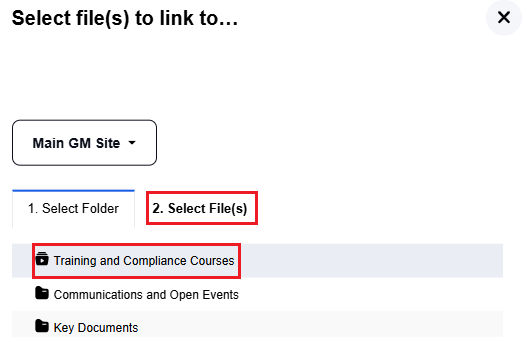
The list of courses will appear...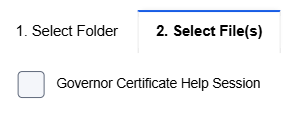
- Select the course(s) you wish to add links to and press Submit ...the links will appear in the link list.
If you want to add a link to a Training & Compliance Course in the Description box of an Event, Task, Discussion, Policy or Page then in the toolbar just use the small GM icon and the same pop up to select a course is available: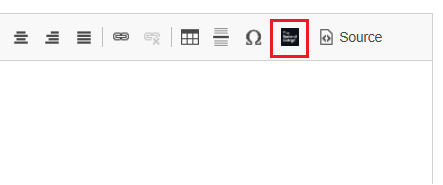
A link will appear in the description area. You can have as many links here as you want.
Please call the support desk on 0333 050 9167 or contact gmsupport@nationalcollege.com if you need assistance.