Any Governance Manager user can update their own contact details (name, email, telephone, address) and basic Governance Manager preferences.
To do this navigate to Users, Boards & Reports > People in the main navigation, select your own name which will 'Display' your profile.
Select the EDIT button at the bottom to open the edit screen. Add/Edit any information and then press SUBMIT.
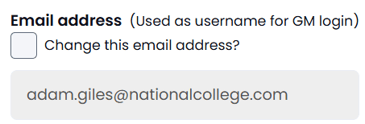
Note: To edit the email address used to login you will need to tick the checkbox (see below) to open up that box for editing.
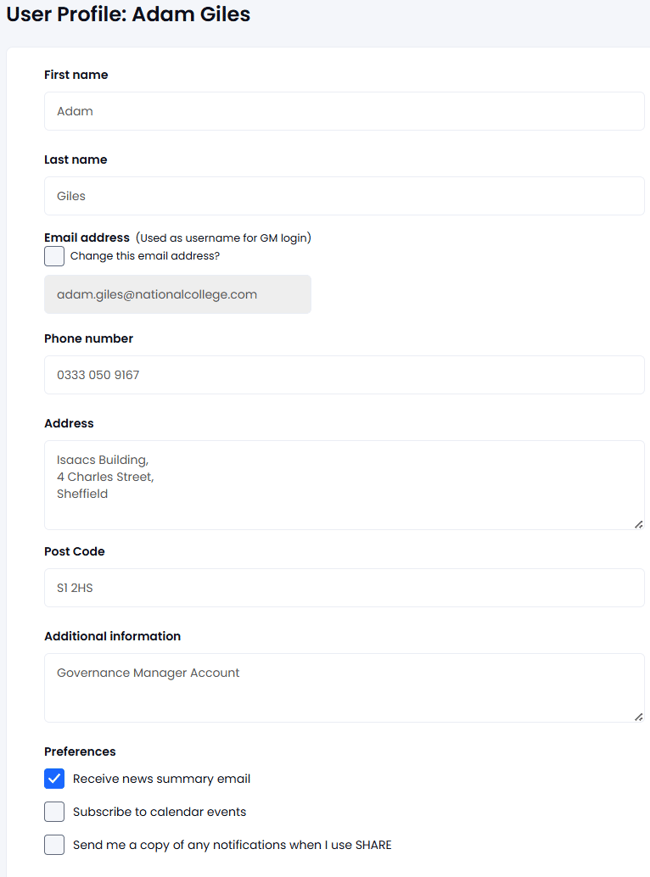
There is also a preference to automatically send a copy of any notification you send (using SHARE) to yourself.
You cannot amend your own access level - that is done by the GM Manager.