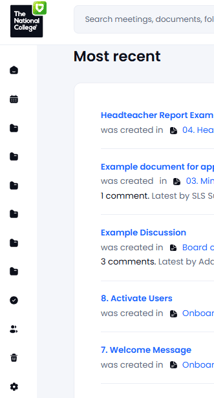
If you are using Governance Manager on a smartphone or tablet (or a device with a small screen), the main navigation menu may take up too much space on the left hand side. It is possible to 'collapse' this using the small 'arrow' at the bottom:

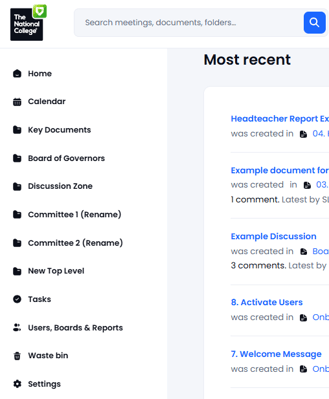
The menu when expanded looks like this:
When collapsed it looks like this. You may use the arrow to expand it once again: