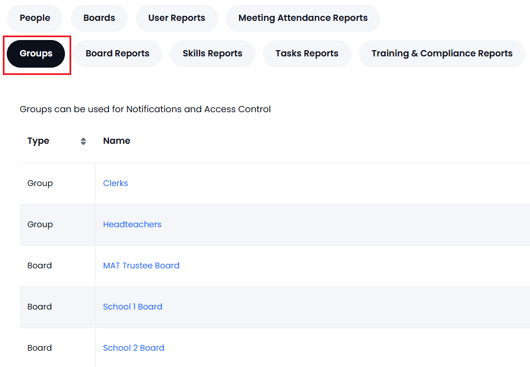
Only a GM Manager can create and edit 'boards'. To create/edit a board use the Users, Boards & Reports page and look for the Boards tab (see below).
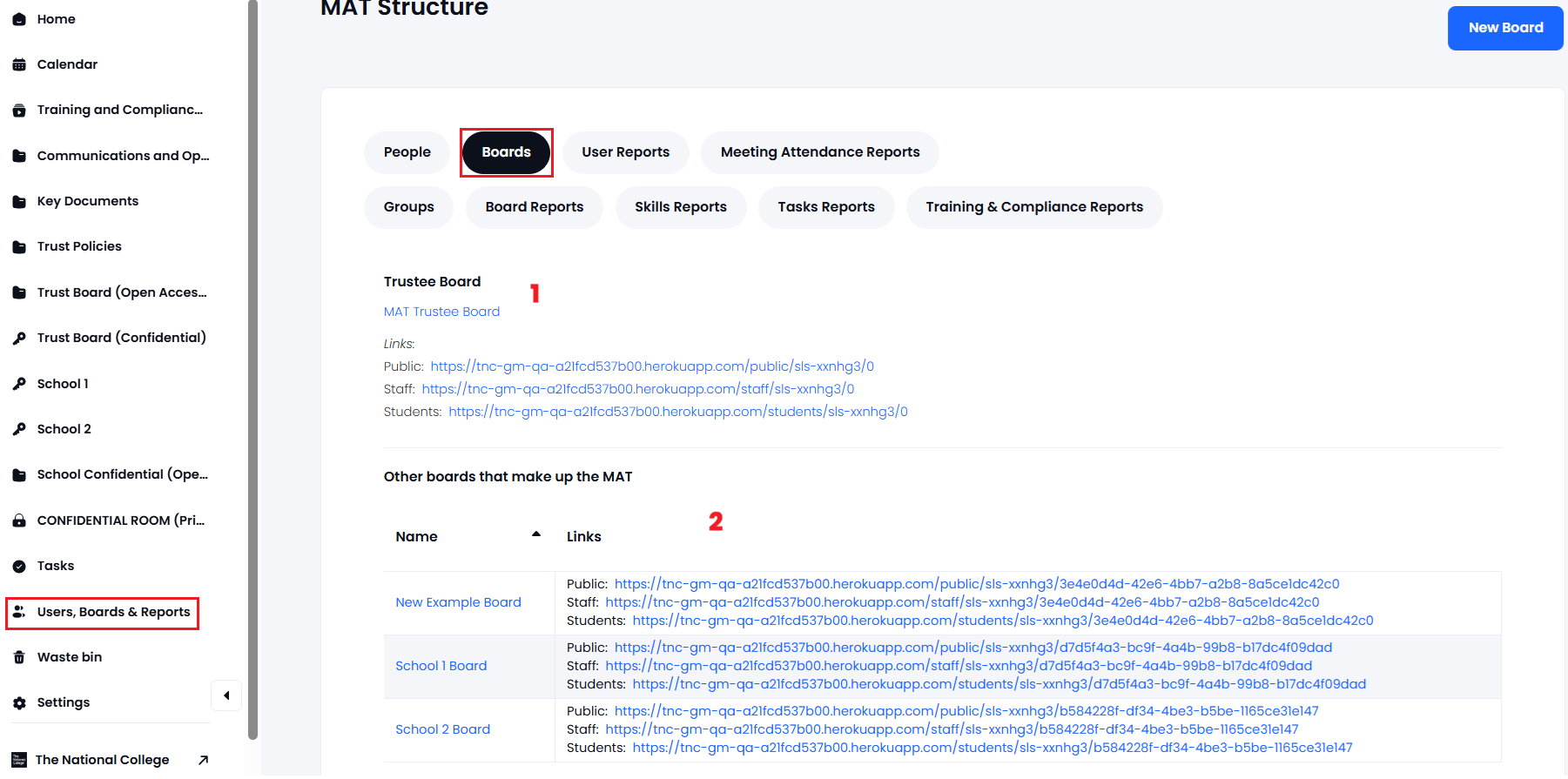
1. Initially the only board that will be displayed is the Trust Board (there is only one of these). Click on the board name then "Edit trustee board" to edit the name and membership. Press Submit when finished.
2. Local Boards can be created by using the New Board button - you can then add the board name and membership.
In both cases (Trust and Local Boards) when editing there is an option to use this list of users as a normal 'member group' which can be used for notifications and folder/file access control.
Option to use the board as a User Group:
Boards that are also used as 'groups' can be edited by the GM Manager from the Users, Boards & Reports > Groups page. Selecting the Group/Board will then allow further edits to those groups if you have the relevant permissions: