In this guide we will cover:
- How to find and search for content within The National College
- How to create a CPD activity within The National College library and add this to your portfolio
Finding content within the library.
-
You can search for a course by clicking into the search bar in the top left

OR
-
In the top navigation, hover over 'Library' and Select 'Explore Library'
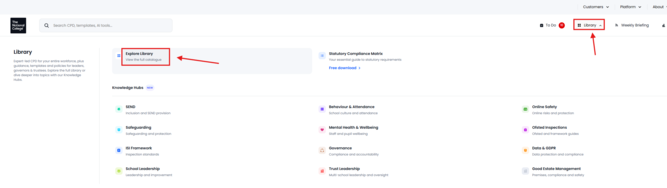
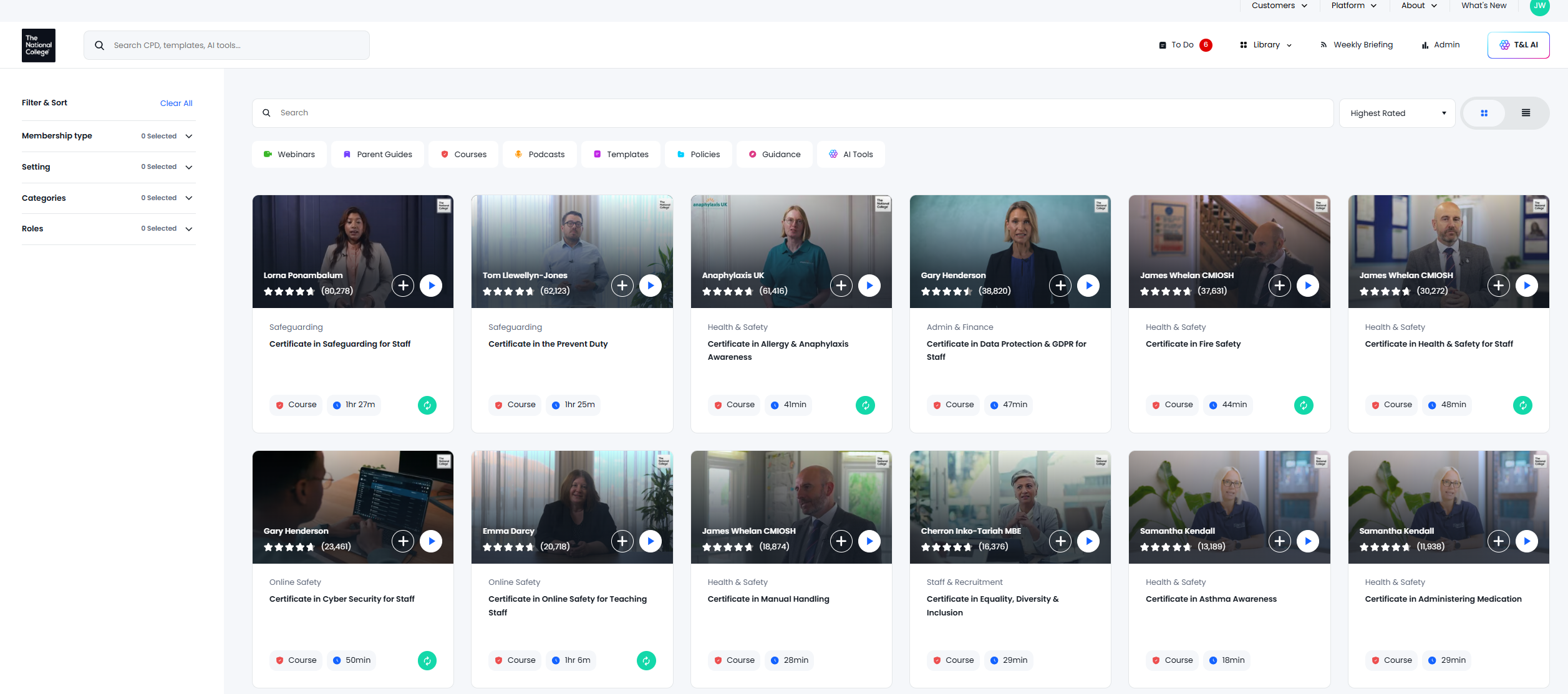
- From here you can search and filter to a course you are looking for.
Creating a CPD activity within The National College library to add to Development Activities within People Development
-
Select the course that you are looking to add
- On the course page click on 'Add to People Development' on the right.
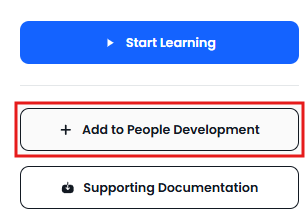
- You will then be redirected to People Development and the details of the course will be filled out at the top.

- From here you can fill out the sections for the Development Activities,
Starting with Visibility.
- The next option will be whether this activity is Mandatory

- Below this you have a space to input any resources that are required. This is an optional box.
- You are then able to select which objectives that you have set this relates too, you can select from your existing personal objectives and the organizational objectives.
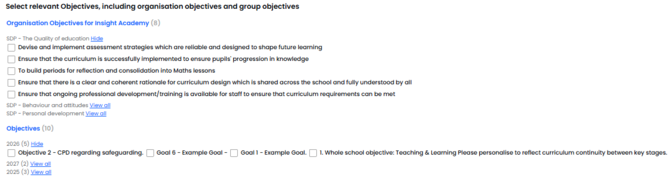
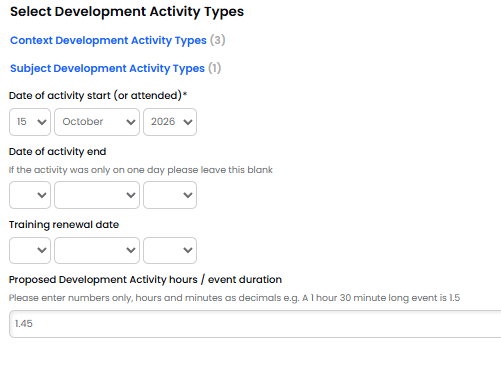
- Towards the end of the page you are able to set the type of activity that you are setting the CPD as, when was the activity started (or attended), when it ended and when it renews. You are also able to set how long the event was for.