Governance Manager provides a very flexible approach to setting up the folders for your school/college.
Typically each school/college will have the following top level folders (see below):
- 'Key Documents' (with sub-folders as required) to hold documents that all committees need to see.
- Full Governing Board / School Folder (for all full board meetings and papers)
- Committee Folders / Confidential Folder (for committee specific documents)
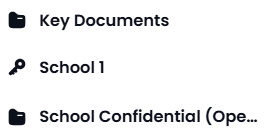
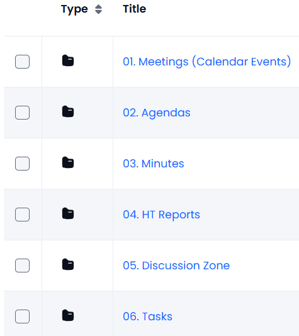
Each Full Board or Committee folder will normally contain sub folders (see below)
- Meetings (folder contains links to the calendar entries/meeting packs for the full board or committee)
- Documents (the documents for that committee - with sub folders as required)
- Tasks (a list of tasks that are relevant to the full board or committee)
Other folders can also be created for dedicated, specific reasons:
The documents are then seen in each folder:
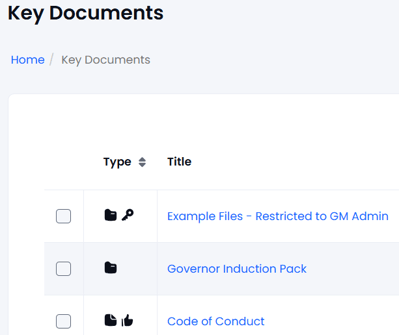
The actual layout is completely under the control of the local Manager (with help from GM Support if required).