Each Governance Manager has a local super-user who has the user profile of ‘Manager’. The ‘Manager’ can perform several functions in Governance Manager that no other users (Readers, Authors, Editors) can carry out (including adding and amending user access).
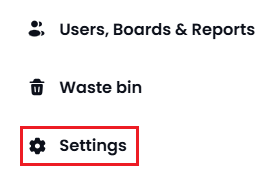
The ‘Administration Settings’ for GM are accessed from the main navigator using the ‘Settings’ link (only visible to the ‘Manager).
Most of the settings are self explanatory and very easy to change.
After any of the changes described below are made then press the ‘Submit’ button at the bottom of the screen (or Cancel to discard the changes).
The Settings area has a number of 'Tabs' for groups of settings available.
More detail about each area of Settings can be found by clicking each link below.
If you have any questions about any of the Settings in Governance Manager please call the Support Desk on 0333 050 9167 or gmsupport@nationalcollege.com