Following the steps below will enable you to update or reset your password across the entire platform.
To update your password:
-
Hover over your profile icon in the top right corner of the screen.
-
Click on 'My Profile'.
-
Click on the 'Edit profile' link.
-
Choose 'Update password' from the left hand navigation.
-
Type your current password.
-
Type your new password and enter it again to confirm.
-
Select 'Update Password' to save.
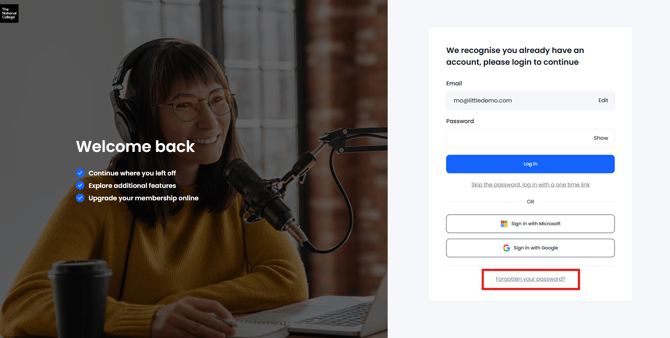
Forgotten your password?
-
Enter your email address in the login screen.
-
Use the 'Forgotten your password?' link