- Log into your Group School Manager account
- Press To Do to make sure that you are on the Tasklist
- Scroll down to the 'Internal CPD' section on the left of the Tasklist
- Locate the Internal CPD you wish to add to the Learning Plan
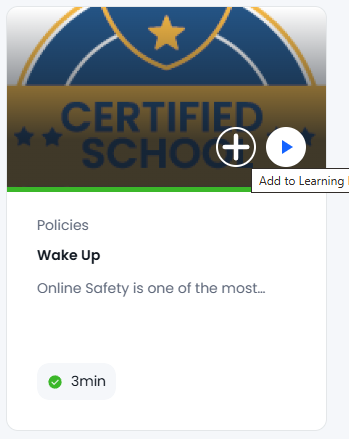
- Hover your mouse over the thumbnail
- Click on the + icon
- Click on the Learning Plan(s) you wish to add the Internal CPD to
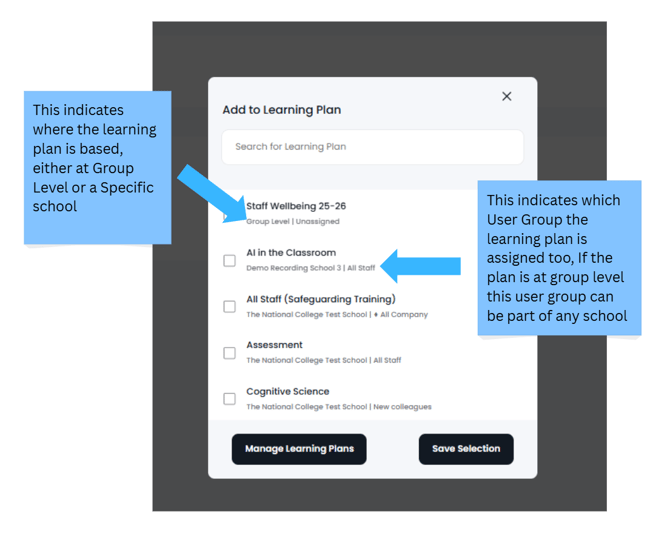
- Click on 'Save Selection' to update the Learning Plan