To hide or show refresher courses
- Click into your 'Admin' area
- Click on 'Account' in the left hand navigation
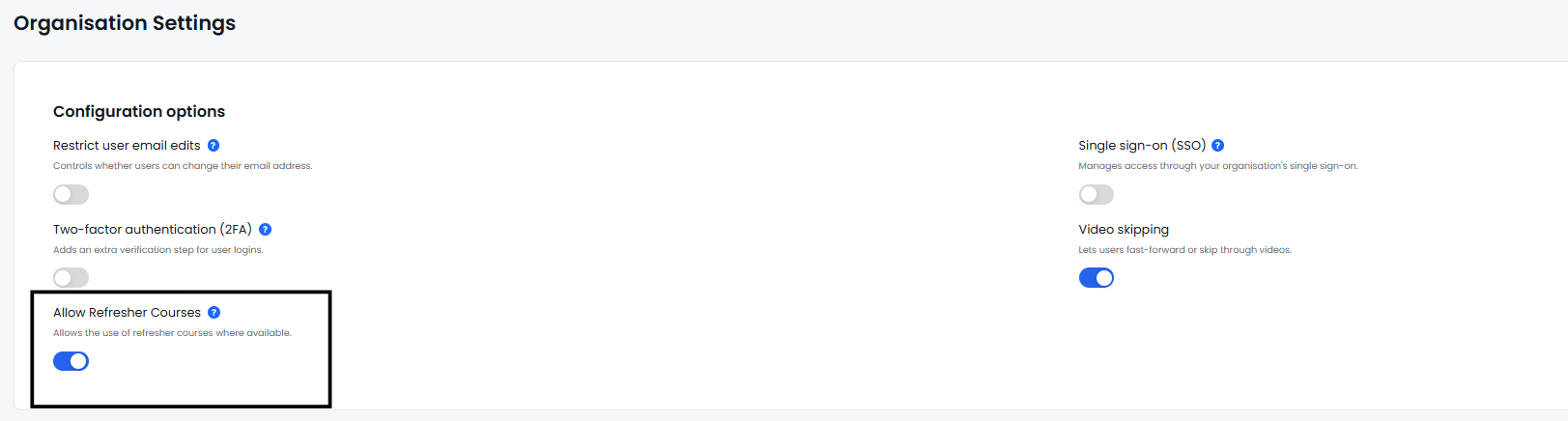
- In the 'Organisation Settings' area you will see an option titled "Allow Refresher Courses "
- "Allow Refresher Courses" is set to 'ON' by default meaning users can freely find the refresher courses within the library
- If "Allow Refresher Courses" is toggled 'OFF', learners are unable to interact with or find refresher courses within the library.
This functionality is only available at school level. If you are a School Group Manager, select an individual school from the drop down in the left hand navigation in order to access the Organisation Settings.