All statutory policies which have not yet been created are shown in the Policy List by default with the following status: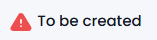
➡️ These are known as Placeholders and serve as a reminder to create the policy.
➡️ You can choose to hide these placeholders if you wish. You can then unhide these at a later date if required.
To Hide a Placeholder:
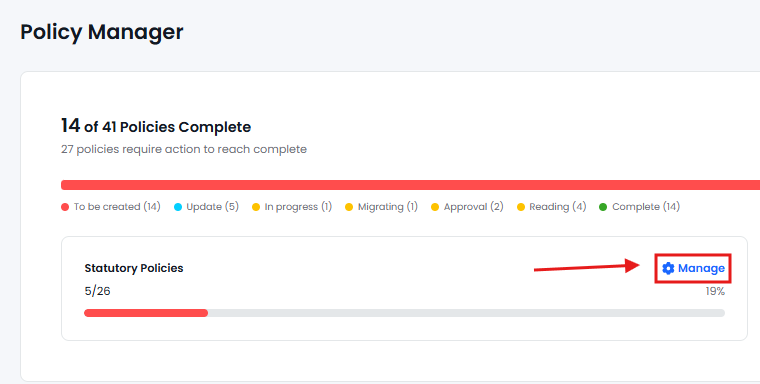
- Should you wish to hide one or more placeholders click on the 'Manage' button within the Statutory Policies box at the top.
- Click on the drop down arrow to reveal all statutory policy placeholders.
- Tick all policy placeholders that you wish to hide.
- Click on the drop down arrow to minimise the list.
- Click on the 'Hide Placeholders' button.
- The selected placeholders will have been removed from your Policy List'.
To Unhide a Placeholder:
- Should you wish to unhide one or more placeholders simply click on the 'Manage' button indicated above.
- Click on the drop down arrow to reveal all statutory policy placeholders. Hidden placeholders will appear at the top.
- Untick all policy placeholders that you wish to unhide.
- Click on the drop down arrow to minimise the list.
- Click on the 'Hide Placeholders' button.
- The selected placeholders will now have been restored to your Policy List'.