The 'Basics' area of the Settings can only be accessed by the GM Manager. The settings are typically set up when Governance Manager is created and generally they are not changed.
Navigate to Settings in the main navigation on the left.
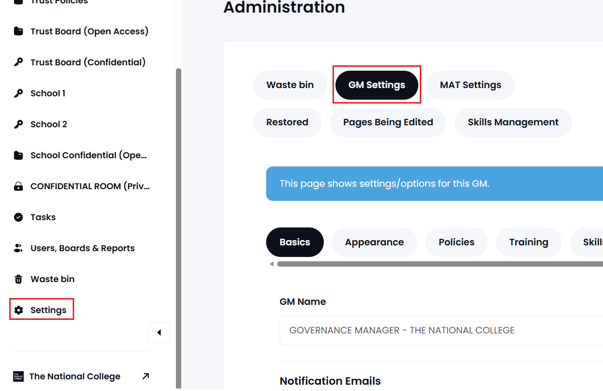
The following settings are available in the Basics area:
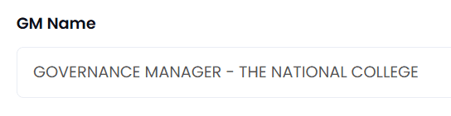
- GM Name - This is the name of the Governance Manager that will be used on all pages and notifications:
2. Other features - This area allows certain features of Governance Manager to be switched on or off: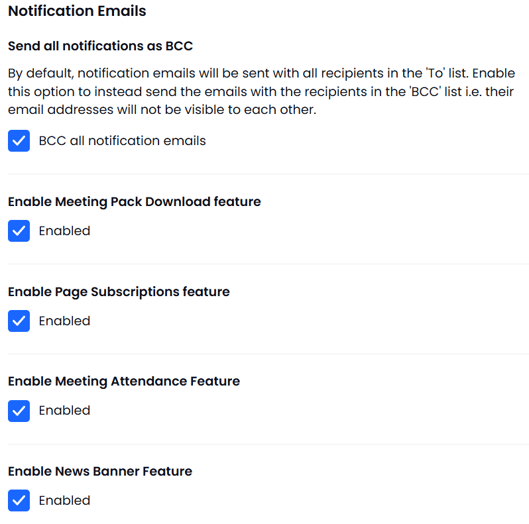
3. Approval Options - these are the settings that determine what 'approval' options are available and how they will behave: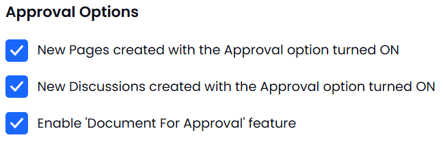
Press 'Submit' to save any changes