❗The Ofsted Schools Tracker will be available to UK Primary, Secondary and Special Schools.
To access the tracker
- Login to your School Manager account.
- Click on ‘Admin’ in the top navigation.
- Click on ‘Accreditation Tracker’ in the left hand navigation.
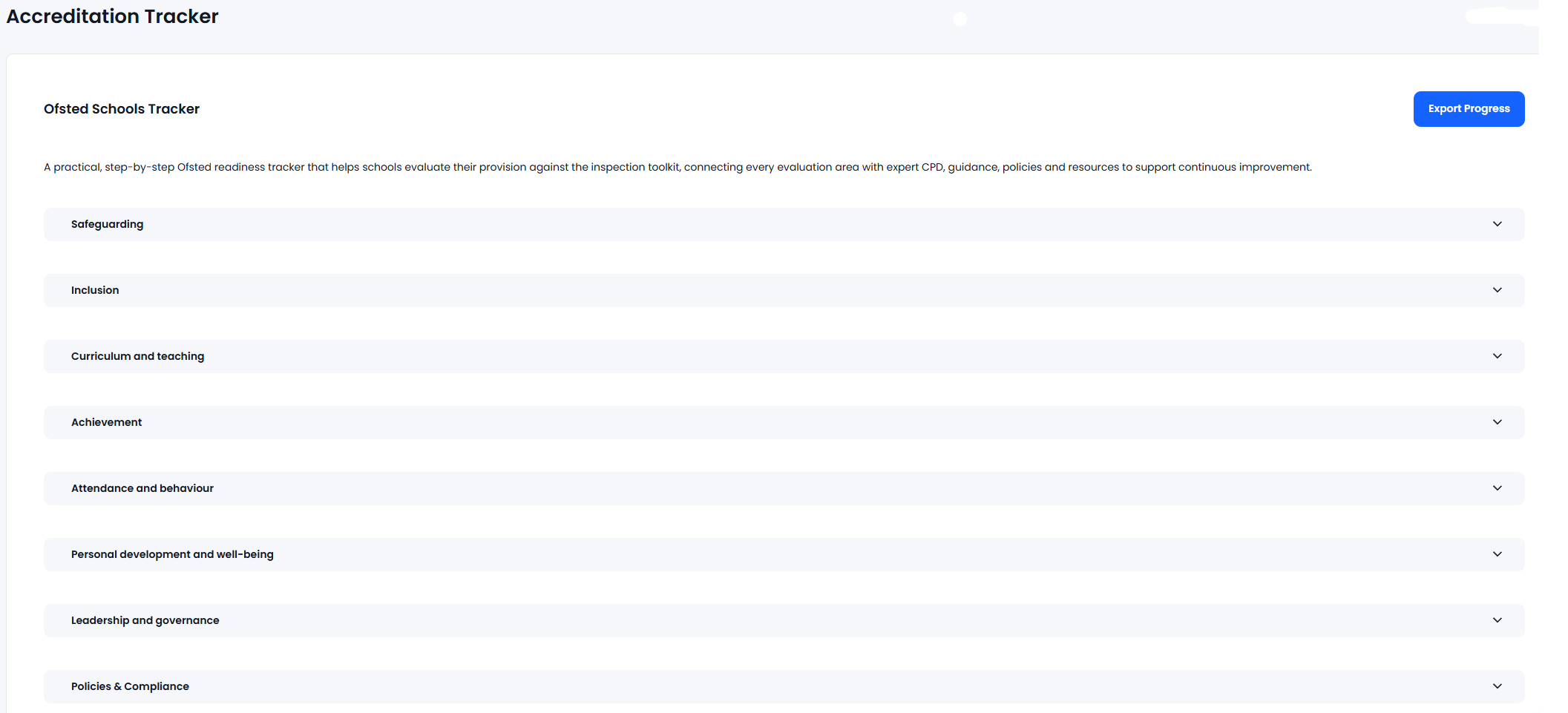
- Click on 'Ofsted Schools Tracker'
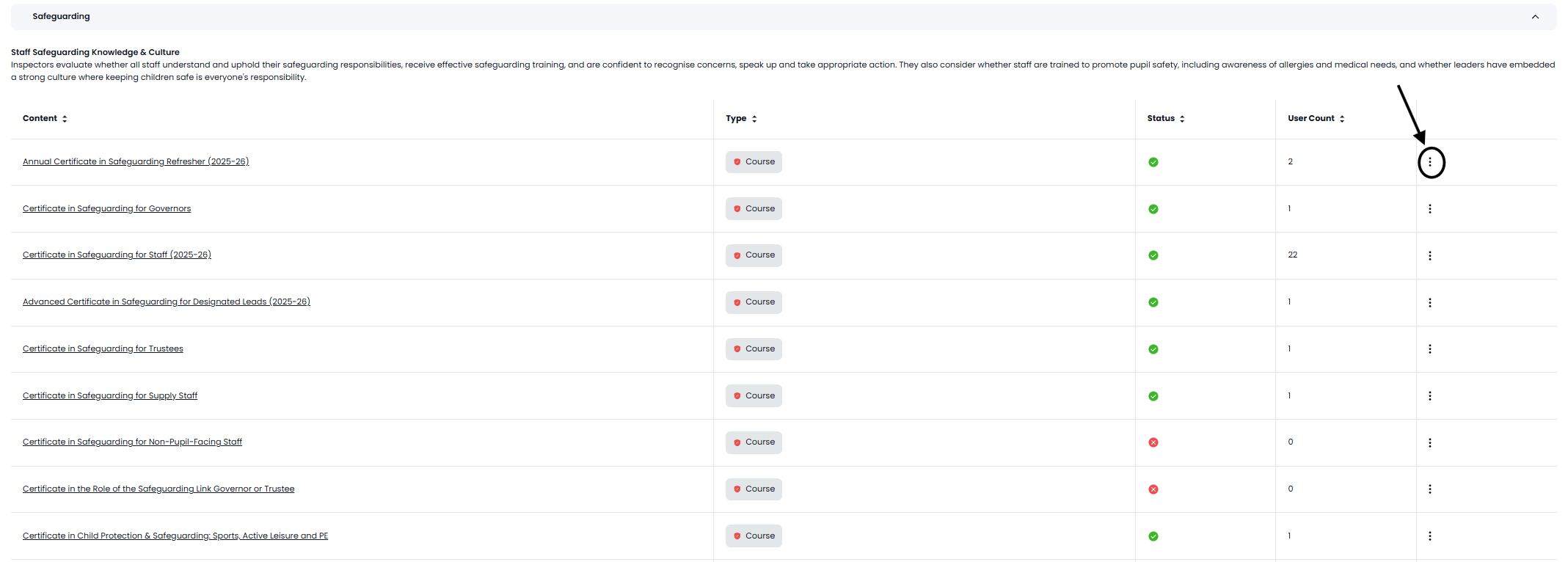
From here you will see a number of sections, these can drop down into content which can be tracked and assigned to users. The Export Progress Button in the top right will list all the courses and give you the names of users who have done the content already.
When you drop a section down it would specify courses, webinars and policies that Ofsted will be looking for. You are able to assign the content to users and check who has done them currently