How To remove a user from your school in People Development
-
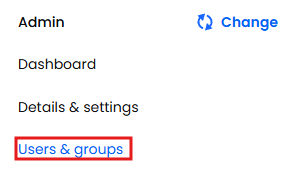
Make sure you're in your 'Admin' area of the school
- Select Users & Groups from the left-hand navigation menu
- Search for the user in question then click on their name
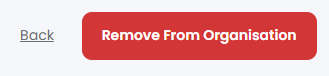
- Press the button in the top right called "Remove from Organisation"
- Press Yes to confirm
