To make a copy of the current categories & questions loaded into the GVO for the Skills Audit please follow the steps below...
1. Use the Users, Boards & Reporting option on the main menu
2. Select the Skills Reporting option
3. The 'Skills Explorer' tool will open up.
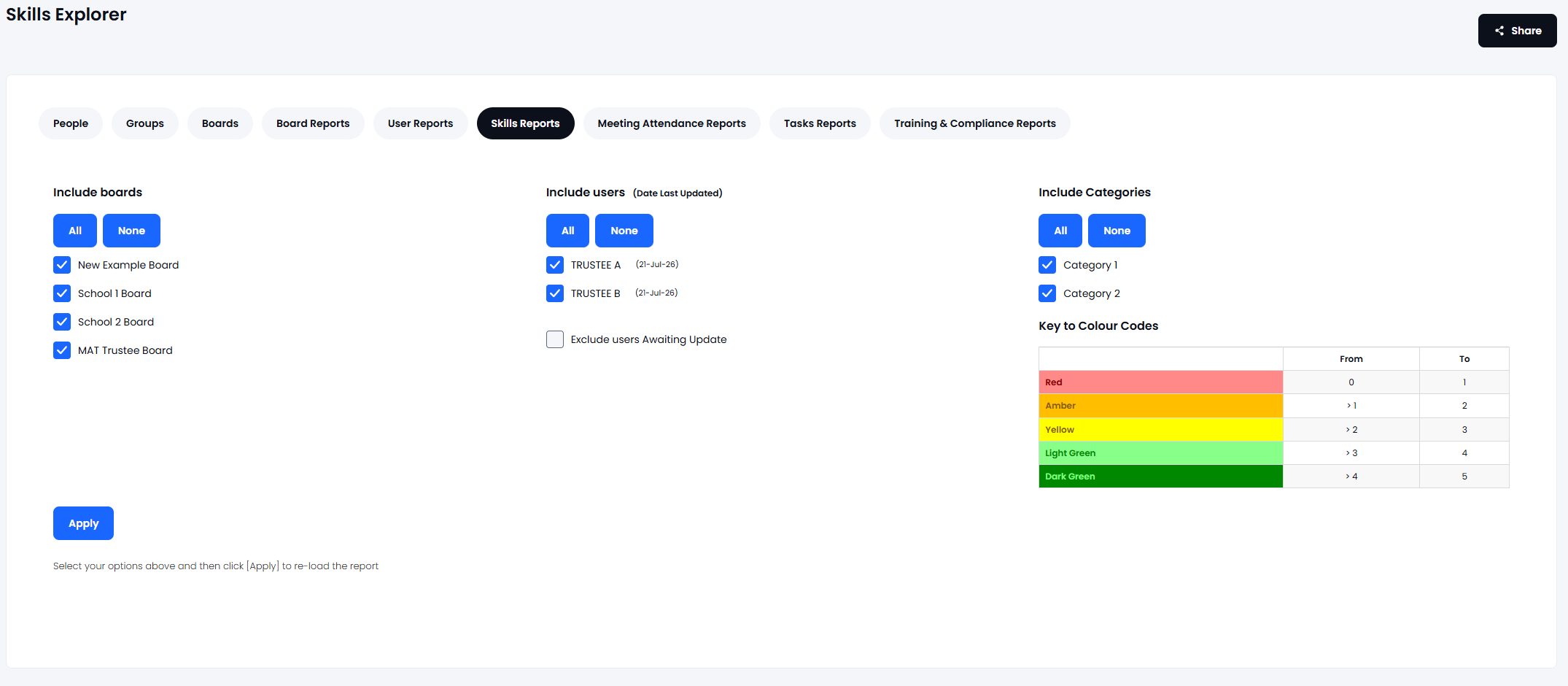
4. Press the 'Apply' button to generate the report - it doesn't matter if anybody has filled in the audit or not at this point. The report (Summary & Detail) will appear.
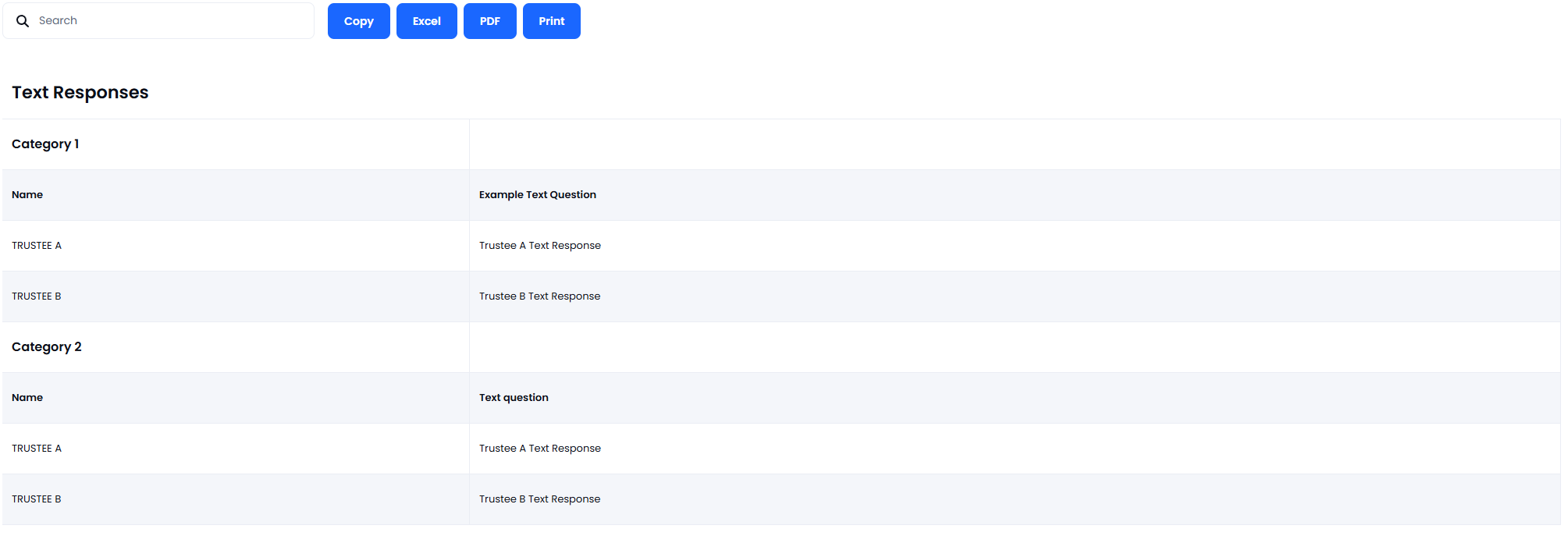
5. Scroll down to the 'Full Report' table and use the 'EXCEL' button
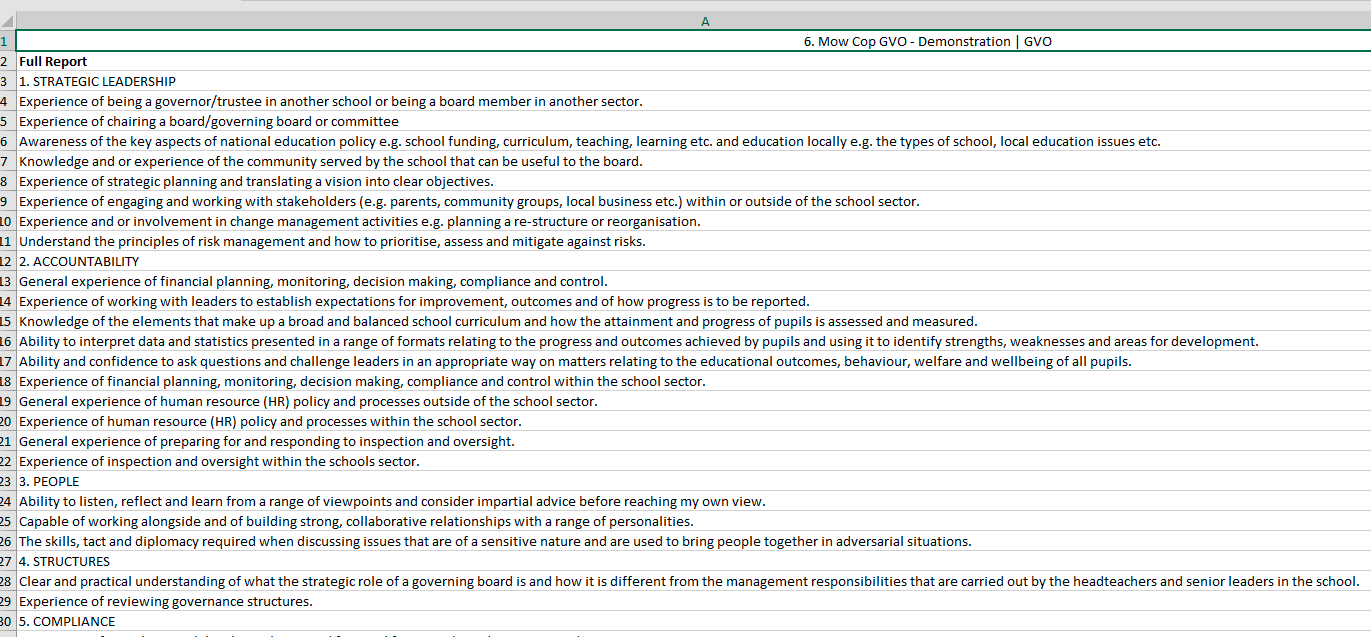
6. Open the data up in EXCEL - Column A will have the list of categories and questions that can be printed.
If you wish to change any of the categories or questions then this must be done by the GM Manager.