The Individual User Page provides School Managers and School Group Managers with a read-only view of a specific staff member’s Task List. Admins cannot action tasks on behalf of users.
To access the Individual User Page:
-
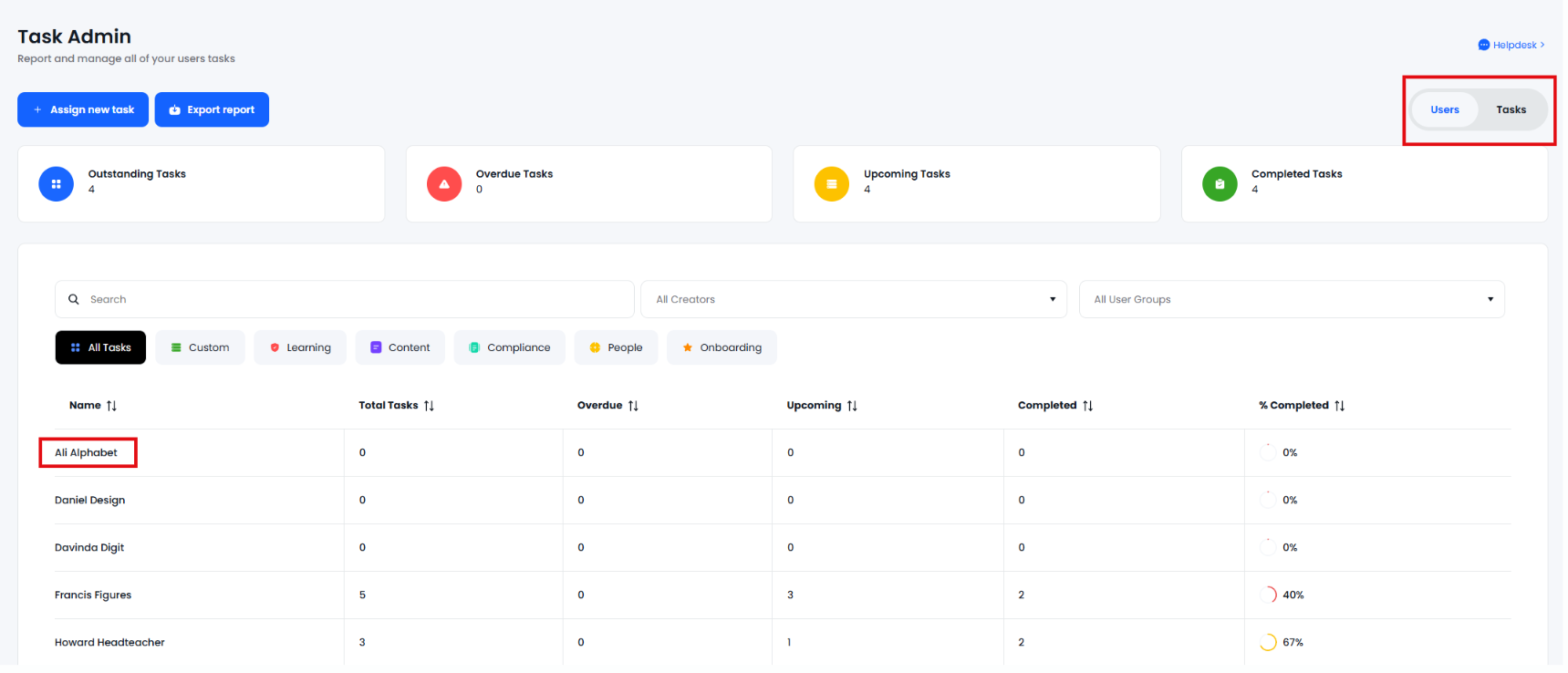
Navigate to Task Admin via the Admin area > Manage Users > Task Admin
- Ensure the User View is toggled on
- Find and click on the user within the list
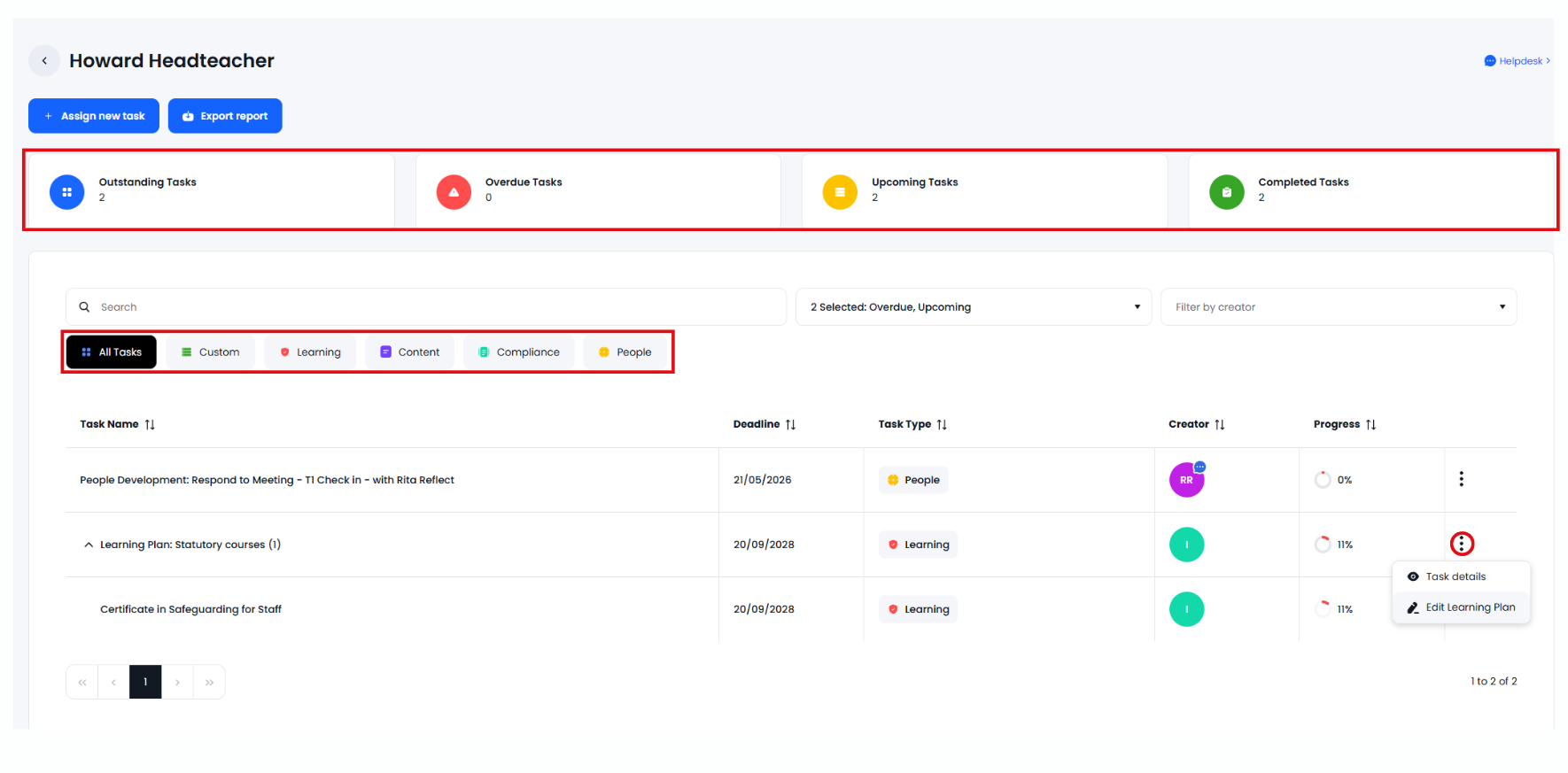
The admin user can now view all tasks assigned to the user:
-
The view can be filtered by completion status or by task type.
-
Personal tasks created and assigned by users to themselves are not displayed.
-
Task specific actions are available under the 3 dots. No actions relevant to task-completion are available.
- You can use the 'Assign new task' button to create a new custom, learning, content or compliance task.
- The 'Export' button will email you a copy of the report reflecting the current view.