User Groups are set up to act as 'Distribution Lists' (for notifications) and also to assign access restrictions to folders, discussions, tasks and individual documents.
To see who is assigned to a user group follow the steps below.
1. Click on the 'Users, Boards & Reports' button in the main navigator.
2. Click on the 'Groups' tab at the top of the page (this will open up the list of groups that have been created by the GM Manager
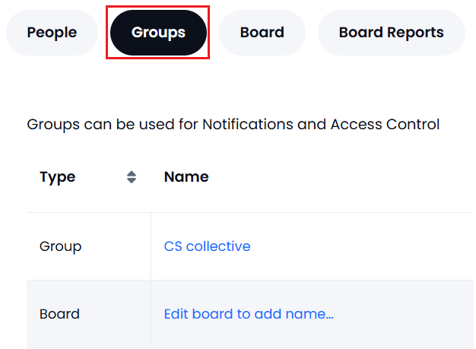
3. Click on the group name to see the list of users for that group
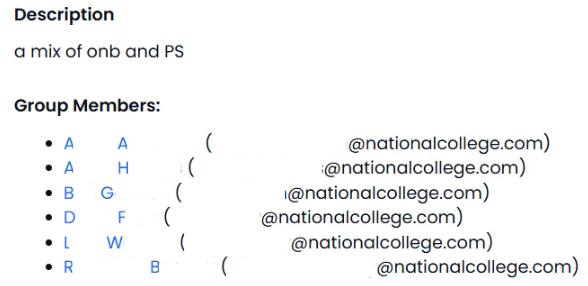
Only a GM Manager can create, edit and delete groups. If you need to be added or removed from a group please contact your local GM Manager.