To view the list of users in Governance Manager, navigate to 'Users, Boards & Reports' from the main navigator (left hand menu):

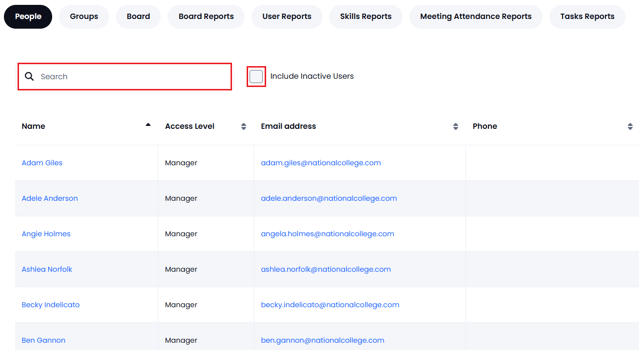
This will give a full list of all the users in the People tab. If the list is too long, type into the search box and the list will only show those users that contain the letters you have added.
The list does not show any 'inactive' users - select the checkbox and these will be displayed:
In Governance Manager set up for a MAT, the personal data will be 'redacted' except for those users who you share a board with.
You can click on any username to view the profile. You can select your own profile then 'Edit' to update your personal details and select your preferences as well as updating your 'skills'.
Note: You can edit your own user profile to add telephone, address, email and profile picture.