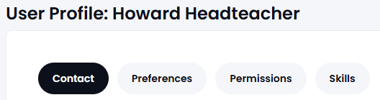
To view/edit the user profile, firstly navigate to Users, Boards & Reports and select the name from the user list (in the People tab).
This is a 'tabbed' page to make things easier to find:
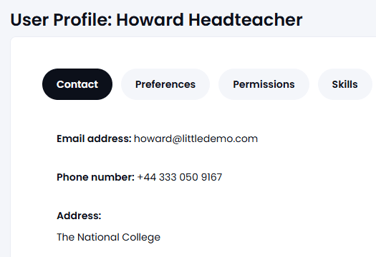
The first tab contains contact details - these are only visible to users who are on the same 'board' (so in a MAT this information is not visible to users at different schools). This information can be updated by the user themselves or by the GM Manager:
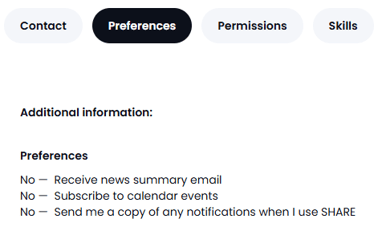
The second Tab contains the preferences that the user has for using Governance Manager, these can be amended by the user or the GM Manager.
It is highly recommended to set the weekly newsletter option to 'Yes' otherwise important updates can be missed:
If you wish to change any of your personal details or preferences use the edit button, found at the bottom of each Tab. Make your changes and press SUBMIT. If you change your email address you must then sign into Governance Manager using the new email address - that is your unique login!
The third tab shows the level of access (permissions) this user has and what 'actions' they can perform. This can only be amended by the GM Manager - if the level of access needs to be changed please contact your local GM Manager (you can find out who this is from the user list):
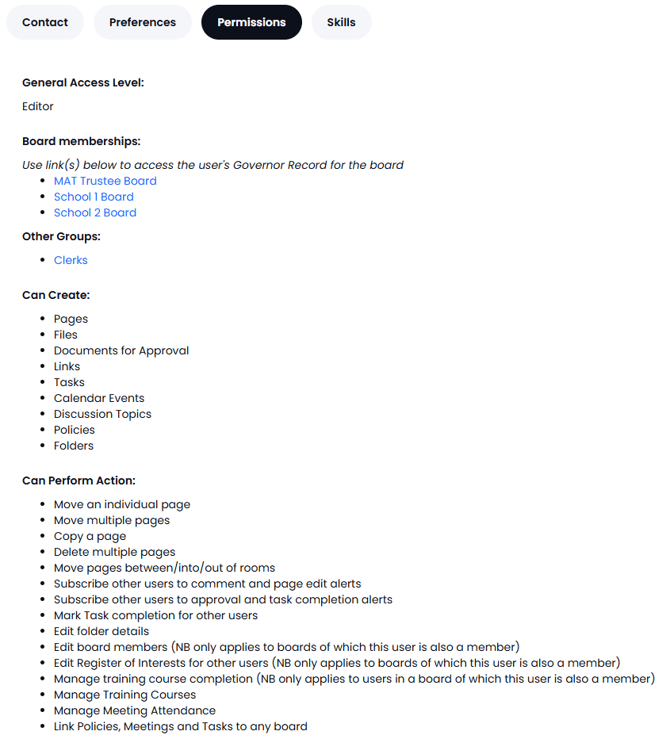
The first part of the permissions describes the basic access level and the second part describes specific things that the user can do - this allows for a comprehensive set of permissions.
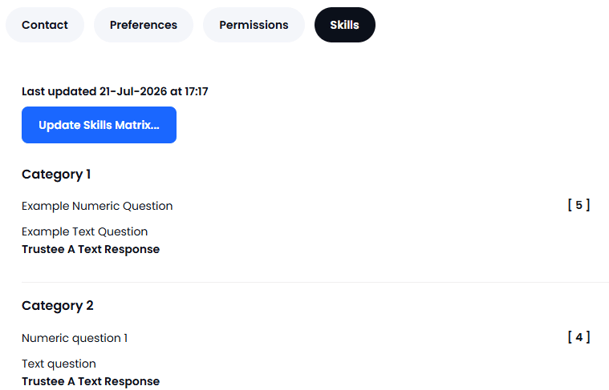
The final tab shows the 'skills' responses in the skills audit (if filled in):