If you wish to see what access level a GM user has, or to see what user groups they are a member of, then select 'Users, Boards & Reporting' from the main navigation menu.
Select the People tab, then find and select the user's name. Use the Search bar at the top if you have numerous pages. Select the relevant tab to view information.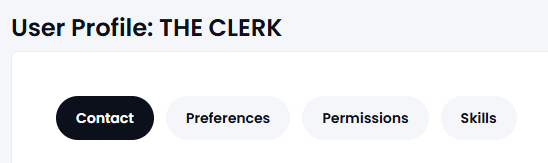
Note: In the case of a MAT then personal information will be redacted* unless the users are in the same Trust or Local Board. Also, the 'Skills' option will only be available to view the skills of a Governor on the same board.
Data that is redacted if you do not sit on the same board is shown with *
A screen will open up which show the following:
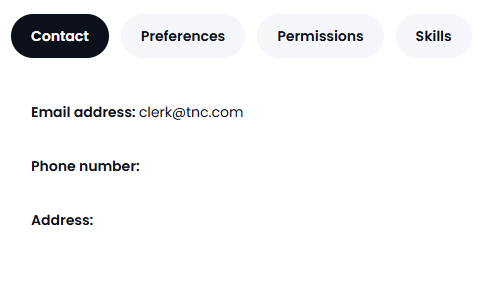
Contact
-
User's name & email address*
-
User's contact details (if added)*
-
User's profile picture (if added)*
Preferences
-
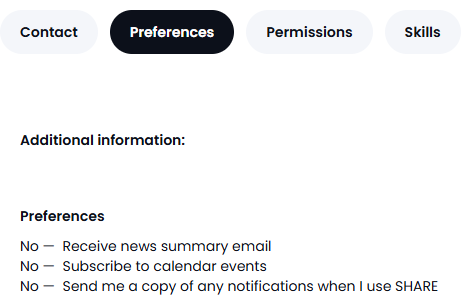
User's 'preferences' for the weekly newsletter and Calendar and 'share' notifications. This is visible to all users.
Note: Do not use the Additional Information field for confidential information
Permissions
-
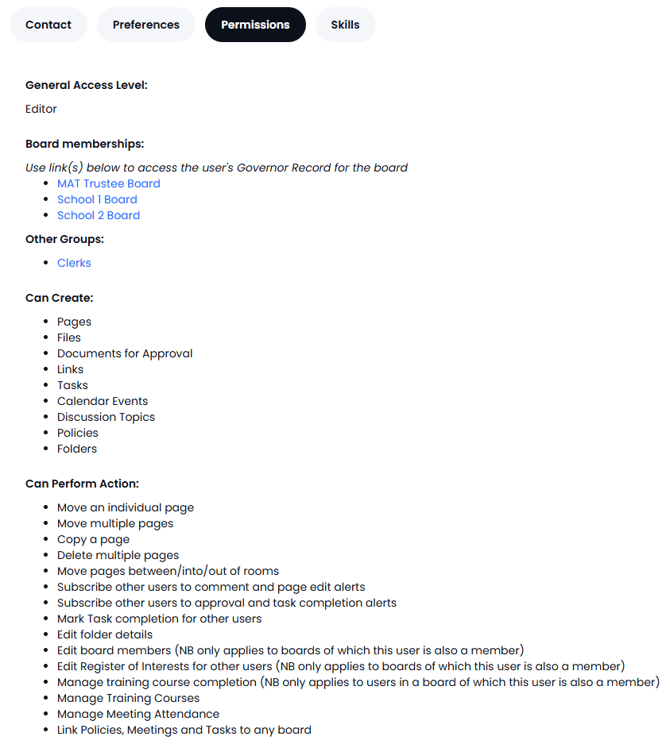
User access level and actions they can perform - this includes indicating if the user profile is 'Inactive' (in the GVO but the user cannot access it).
-
Which groups this user is a member of
-
Which 'Boards' this user is a member of (in a MAT)
Only a GM user with Manager Access can amend the access level and assign users to groups so if changes are needed please contact your local manager.
If any additional help is needed please contact the GM Support desk on 0333 050 9167.