Custom Tasks let you add any action item to other users Task List, giving users a single, central place to track everything you need them to get done.
- Make sure you are logged into an account that has access to Admin
- Click on "Add New Custom Task" in the top right
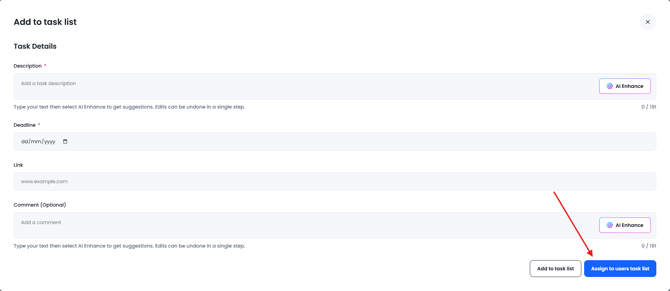
- Enter a task description and set a deadline,
- Click "Assign to Users Task List" in the bottom right
- From here you can select individual users or previously setup user groups.
- The task will appear in the users Task List as a Custom Task.
You can view and edit tasks within Task Admin in the admin area, Click here for a guide on Task admin