- Navigate to the Learning plan by clicking into 'Admin' before selecting 'Professional Development' and then 'Manage Learning plans' from the left hand navigation
- Find the Learning Plan you wish to report on
- Click on the 3 dots on the Learning Plan Dashboard card to access the actions
- Select 'View Report'
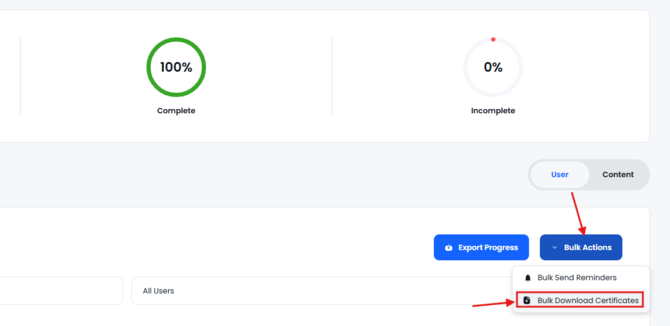
- Within the report click 'Bulk Actions' then 'Bulk Download Certificates'