If any restrictions are being applied to either a folder or a document then the word 'Restricted' will appear near to the title or there will be a 'key' icon next to the item in the folder view. Below are examples of a folder and a document showing that a restriction is in place.
If a Folder has been Restricted it will show the Key icon next to it. If you select the key, you may see the level of restriction: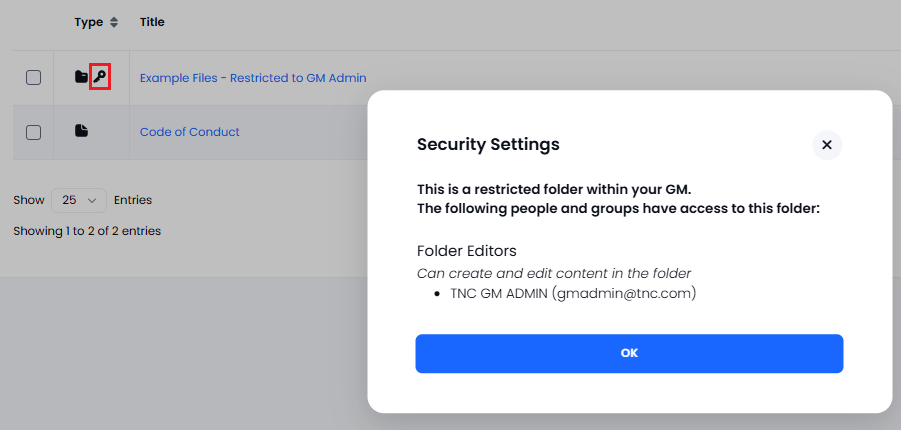
If you select a Restricted document, this will be confirmed in the details at the top: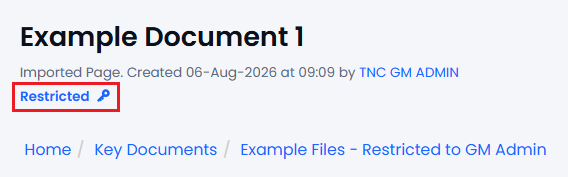
If you need any further assistance with understanding folder and document restrictions then please contact the support desk.