Wherever Wi-Fi is available it should be possible to view documents 'online' on your tablet, smartphone or computer.
However, sometimes it is necessary to take a local 'copy' of a document or to print it out (to make notes etc).
Note: It is important to remember that the 'master' copy of any document is the one stored in Governance Manager and that there may be a confidentiality/data security issue with holding a local copy.
Navigate to the document in the folder structure or, if in a meeting pack, just click on the title to open it.
Preview:
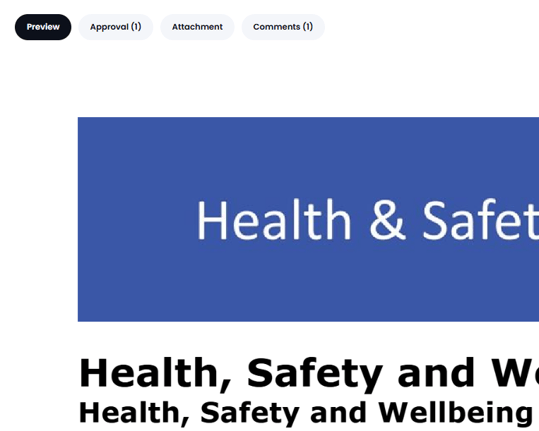
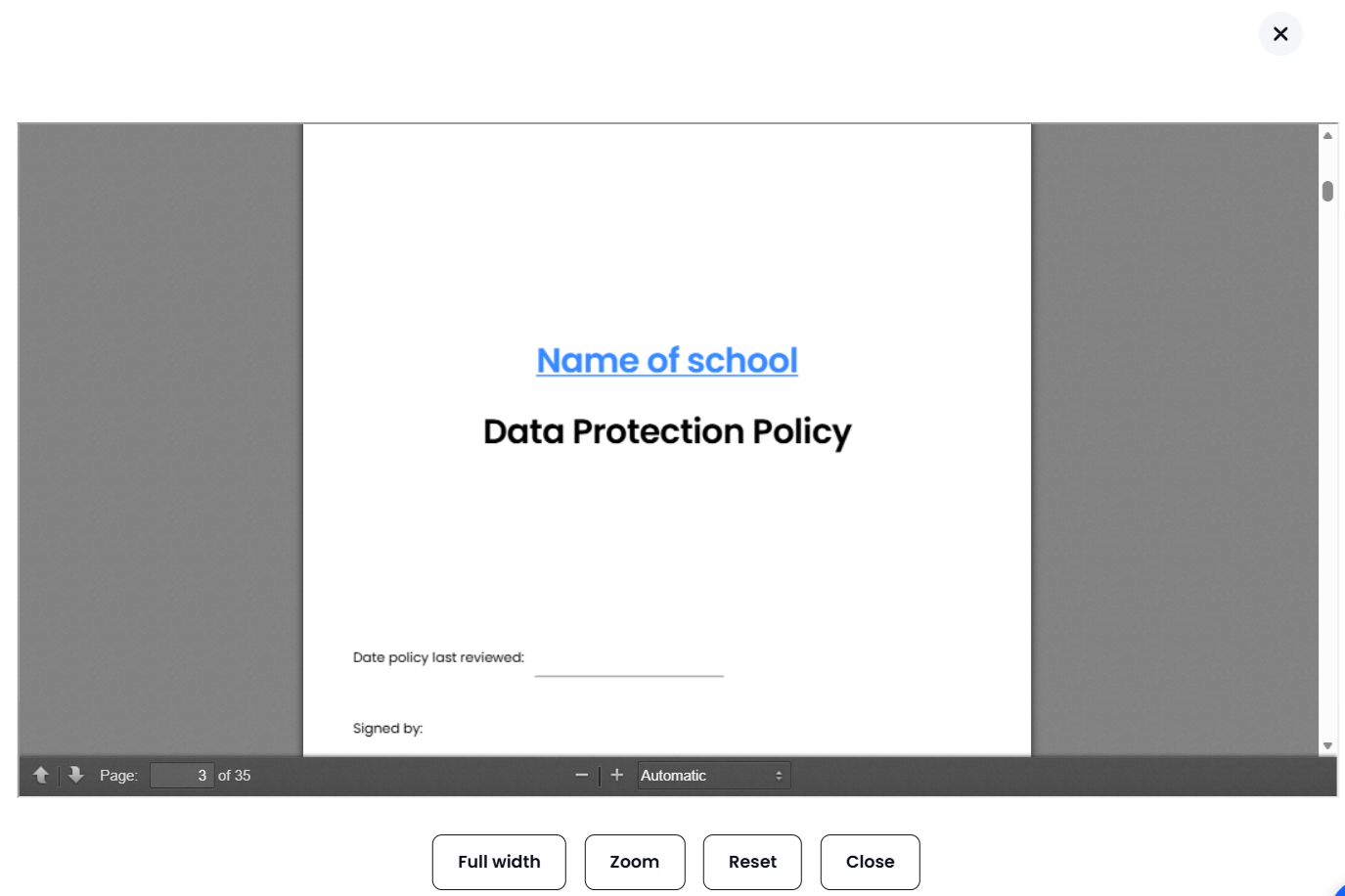
Preview allows for the viewing of the document or will open up a 'pop up' box for you to see the content very quickly...below is an example of a default preview that is already there (a single stored document) and also one that is a 'pop up' as there are two documents attached to that page in Governance Manager.
A Pop-Up preview:

You will also see the Comments tab and, if the document has approvals switched on then you will see the Approvals tab.
Download / Printing:
The second option is to 'Download' the document using the 'Download' button (sometimes accessed via the 'Attachment' tab).

This will allow you to download the document to your device for local storage or printing.