-
Login to your school admin account
- Access Admin in the top right
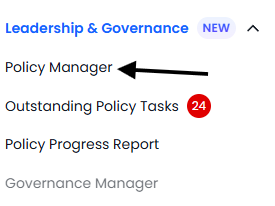
- Go to Policy Manager within Leadership and Governance
- Find the policy in question that is currently awaiting appovers
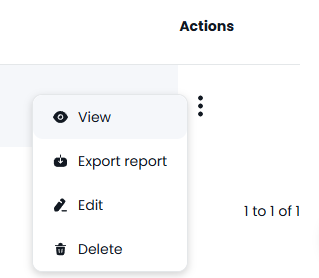
- Under actions press the 3 dots then View
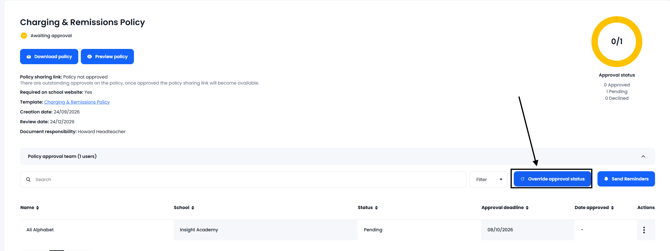
- Press the Override Approval Status button as indicated below
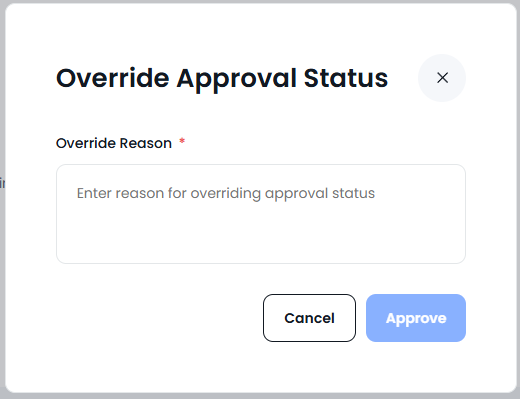
- For confirmation you will be asked for the reason for the approval then press approve