To update your own email address:
- Click on your profile icon in the top right hand corner.
- Click on the 'My profile' option.
- Click on 'Edit profile' link.
- Update your email address in the 'Email' field. You can also choose to add an additional personal email address if you wish.
- Click on 'Save changes'.
- You will be prompted either to enter your existing password or a verification code sent to your current email address.
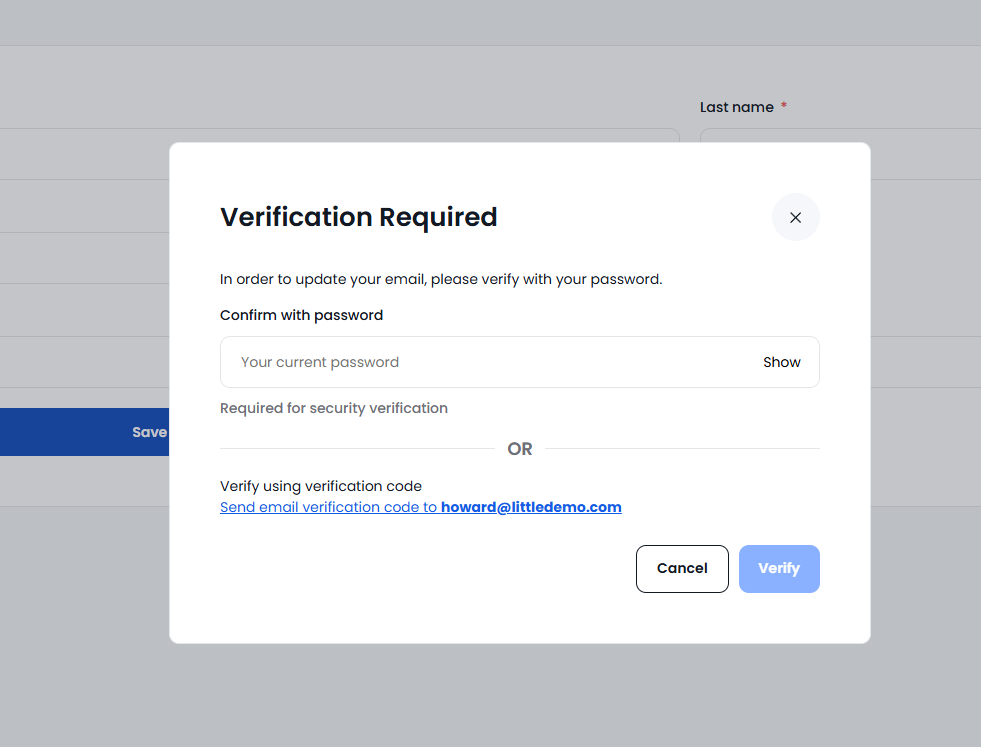
- Your changes will be saved once the previous verification has been entered.
ℹ️ Updating your email address using the steps above will update your email address within People Development too if you have an active subscription.
⚠️ If you are a People Development user you will no longer be able to update your own password within your People Development profile. You will be redirected to your profile within The National College where you can follow the steps above to change your email address.
If you are an Admin wanting to update the email address for another user please see the following guide: How to update a user's email address