If you require Admin access you can request this from a user who has existing School Manager access.
They will be able to grant you Manager access to features within Professional Development and Leadership & Governance.
You can request this yourself by doing the following steps,
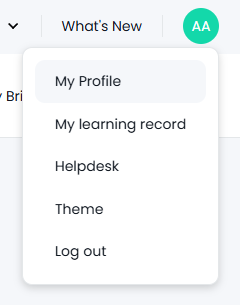
- Go to My profile by hovering over your initials in the top right
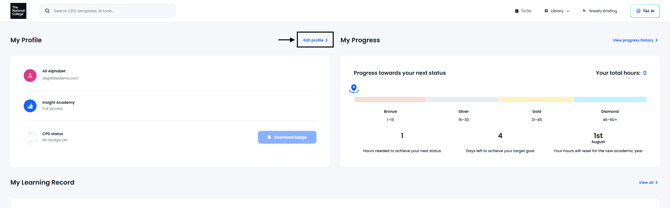
- Click Edit Profile
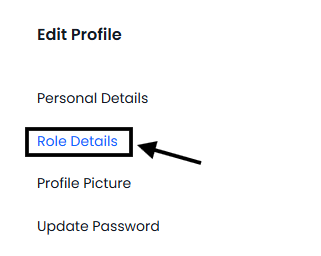
- Click Role Details on the left
- Click Request School Manager Access
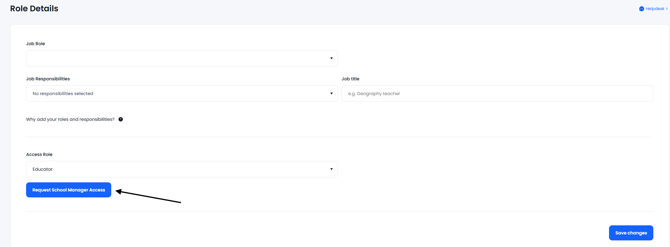
When the request is pending, a message will let you know that below. Admin's at the school will get a task asking them to respond to your request.

If the request was declined it will display and you are able to request it again if the decline was a mistake

Should you require Admin access to People Development, you can ask a colleague with existing Admin access to People Development to assign Admin permissions to you.